Record a lecture without an account
NoteCord is an app for iPhone and iPad that records, transcribes and summarizes conversations while keeping recordings and text on your device. You can record a lecture and get a summary without an account; summaries with action points require Apple Intelligence.
Download NoteCord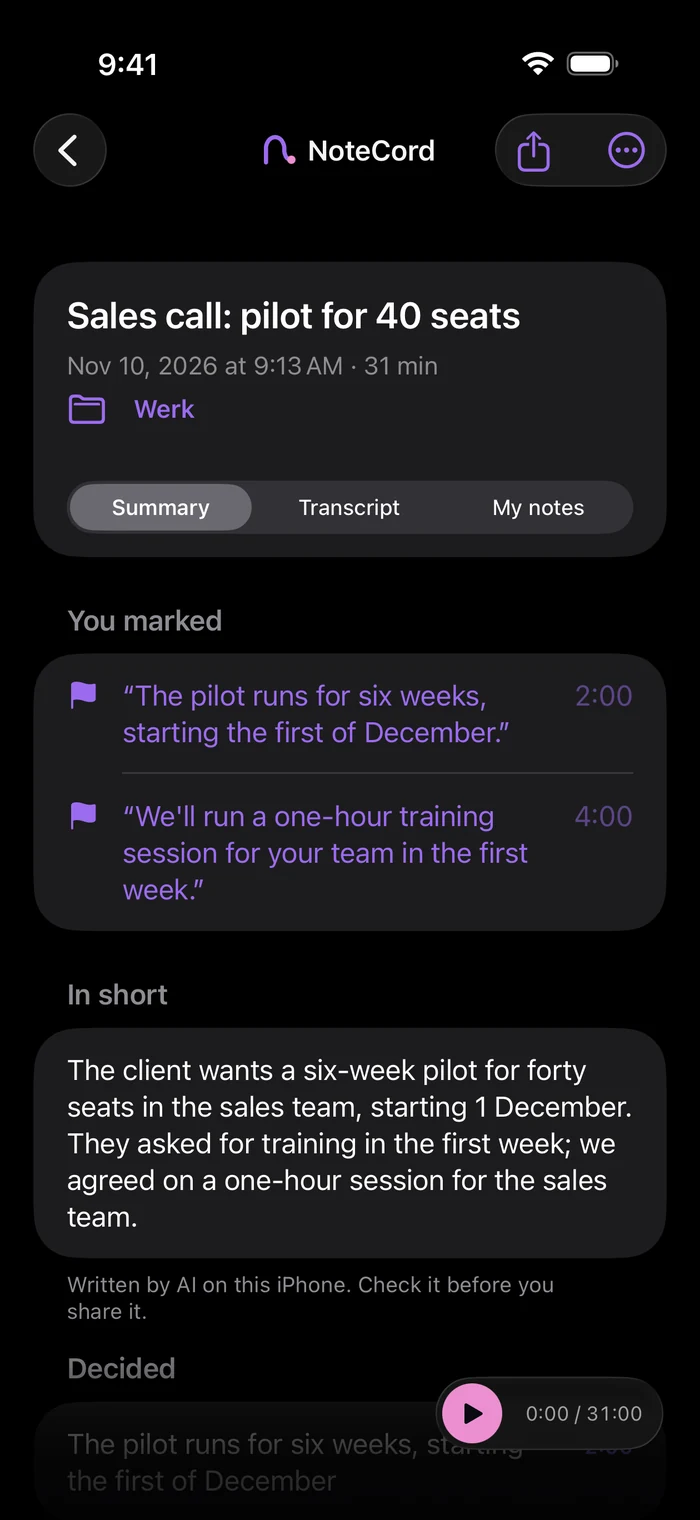
Stop taking notes. Start listening.
NoteCord records and transcribes your lecture on your device without an account. Summaries with action points require Apple Intelligence. Mark a moment during the recording and add a note or photo.
Screen locked. Still recording.
The recording continues when you lock your iPhone screen. You can see it in Dynamic Island and on the lock screen. You can also mark a moment from either place.
Remember a word. Find the conversation.
Search across all your conversations to find a lecture again. Keep each subject in its own project folder. On iPad, tap handwriting written during a recording to hear what was said at that moment.
Your conversations stay on your iPhone.
NoteCord never sends your recordings to us. They only reach someone else if you share them. There is no NoteCord server. Audio stays on your device and is excluded from every backup. Text stays on your device and is included only in your iPhone’s regular iCloud backup if enabled, in your own iCloud.
Questions people ask
- Can I record a lecture and get a summary without creating an account?
- Yes. NoteCord records, transcribes and summarizes on your device without an account. Summaries with action points require Apple Intelligence.
- Will NoteCord keep recording if I lock my phone?
- Yes. Recording continues with the screen locked and is visible in Dynamic Island and on the lock screen.
- Can I add a note or photo at a specific moment in a lecture?
- Yes. Mark a moment during the recording and add a note or photo. You can find the note later through search.
- Can I tap my iPad handwriting to hear that part of the lecture?
- Yes. Tap handwriting written during the recording to hear what was said at that moment. This applies only to handwriting written during a recording.
- Does NoteCord send my lecture recordings to a server?
- No. NoteCord never sends your recordings to us. They only reach someone else if you share them. There is no NoteCord server.
Listen to the lecture.