Check it yourself
NoteCord is an app for iPhone and iPad that records, transcribes and summarizes conversations while keeping recordings and text on your device. NoteCord never sends your recordings to us. They only reach someone else if you share them. You can check that yourself.
Download NoteCord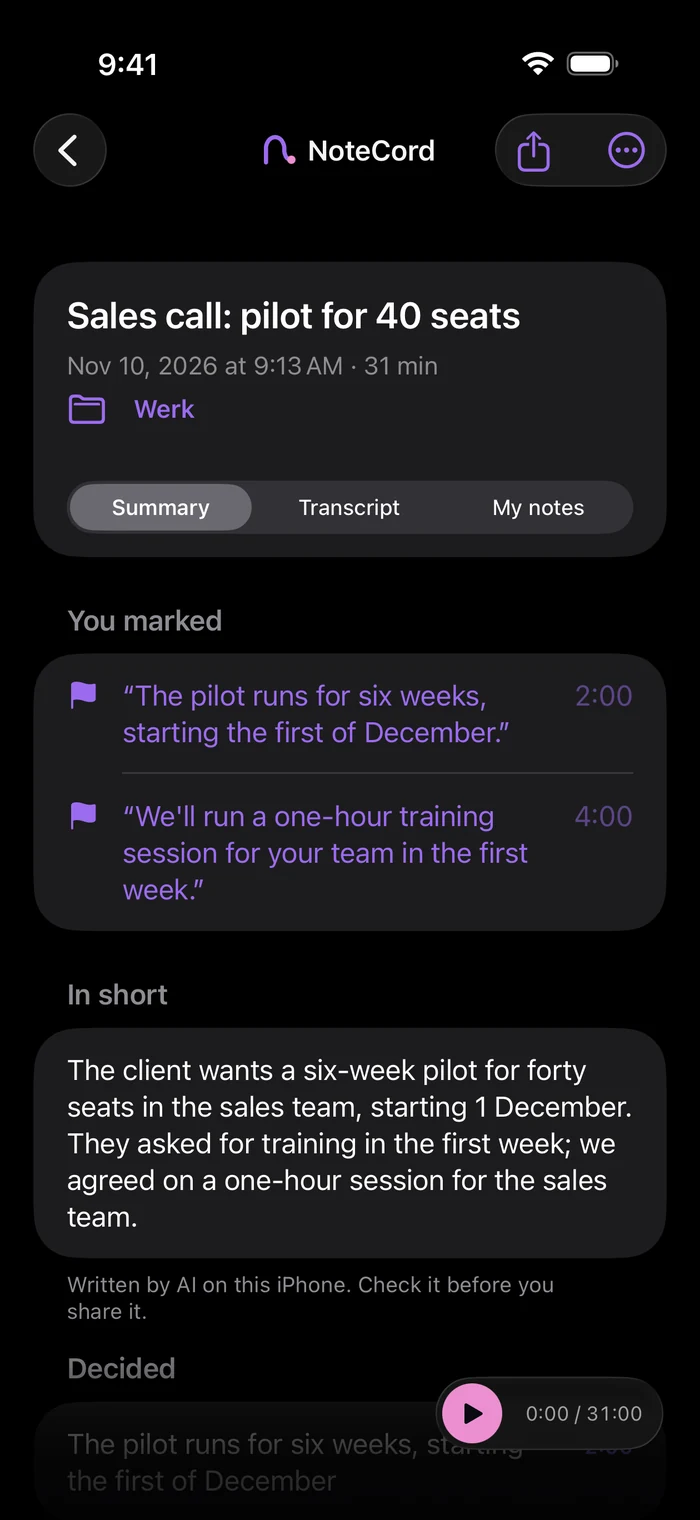
What we promise
NoteCord never sends your recordings to us. They only reach someone else if you share them. There is no NoteCord server. You don’t need an account. The App Store privacy label is “Data Not Collected”.
What we measured
On November 12, 2026, we ran the launch version of NoteCord in Apple’s iPhone simulator on a Mac. Every few seconds, a measurement script checked every network connection of the app and its widget and counted every byte they had sent during recording, transcription, summarization (summaries with action points require Apple Intelligence), “Send to myself,” and recording with the screen locked, including Dynamic Island and the Lock Screen. The result was zero connections and zero bytes sent. As a control, the same script detected an open connection and 14,152 bytes from an ordinary program, showing that it detects traffic when traffic is present.
What the test leaves open
This test used the simulator, not a real iPhone; a measurement on a real iPhone will follow. “Send to myself” opens an email or the share sheet. You send it yourself. iOS downloads the speech model for a language once from Apple; no recording is sent with that download.
Check on your iPhone
Open Settings > Privacy & Security > App Privacy Report and tap “Turn on App Privacy Report.” Then use NoteCord. Under “App Network Activity,” you see which domains each app contacts. The same steps work for any other app.
What goes into backups
Audio is excluded from every backup. Text is included only in your iPhone’s regular iCloud backup if you have it turned on, in your own iCloud.
Questions people ask
- Does NoteCord send my recordings anywhere?
- No. NoteCord never sends your recordings to us. They only reach someone else if you share them.
- Was the measurement taken on a real iPhone?
- No. We tested the launch version in Apple’s iPhone simulator on a Mac on November 12, 2026. A measurement on a real iPhone will follow.
- Can I check a note-taking app’s network activity myself?
- Yes. Go to Settings > Privacy & Security > App Privacy Report and turn it on, then use the app. Under “App Network Activity” you see which domains it contacts.
- Does NoteCord have an account or its own server?
- No. You don’t need an account, and there is no NoteCord server.
- Does my audio go into an iCloud backup?
- No. Audio is excluded from every backup. Only text is included in your iPhone’s regular iCloud backup if you have it turned on, in your own iCloud.
Your conversations stay on your iPhone.