AI note-taking app without the cloud
NoteCord records, transcribes and summarizes conversations on your iPhone or iPad. Recordings and text stay on your device. We have no server or cloud of our own, and you don’t need an account.
Download NoteCord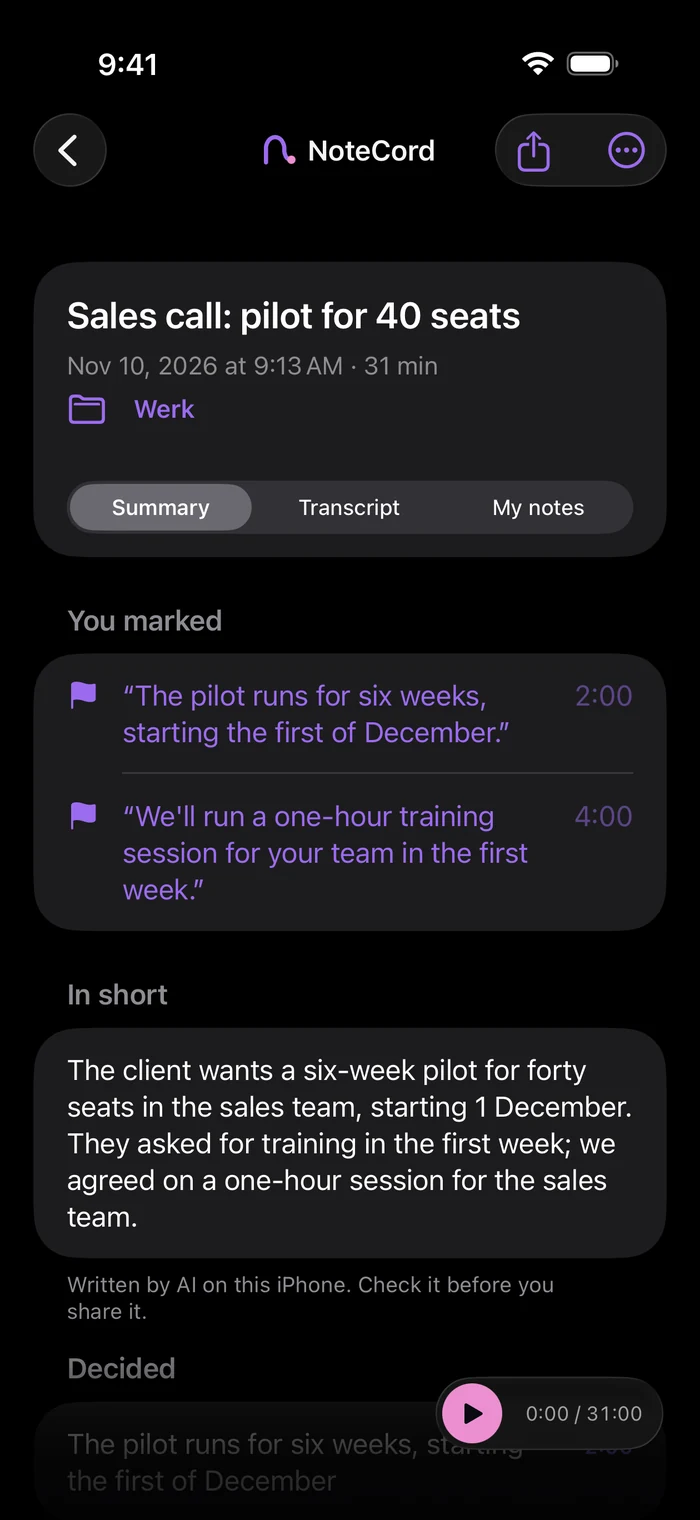
Your eyes are on the keyboard.
Someone across the table is telling you something important. You start typing so you’ll remember it. They keep talking while you finish the last sentence. You nod, then realise you’ve lost track of what they’re saying.
Some conversations feel too personal to upload.
Sending a sensitive conversation to someone else’s cloud can feel wrong. NoteCord records, transcribes and summarizes on your device. There is no NoteCord server, and you don’t need an account. We can’t see your recordings or text. Apple’s App Store privacy label is “Data Not Collected”.
What goes into my backup?
Audio is never included in any backup. Text is included only in your iPhone’s standard iCloud backup, if enabled, in your own iCloud. You choose whether to use that backup.
Lock your phone. Keep recording.
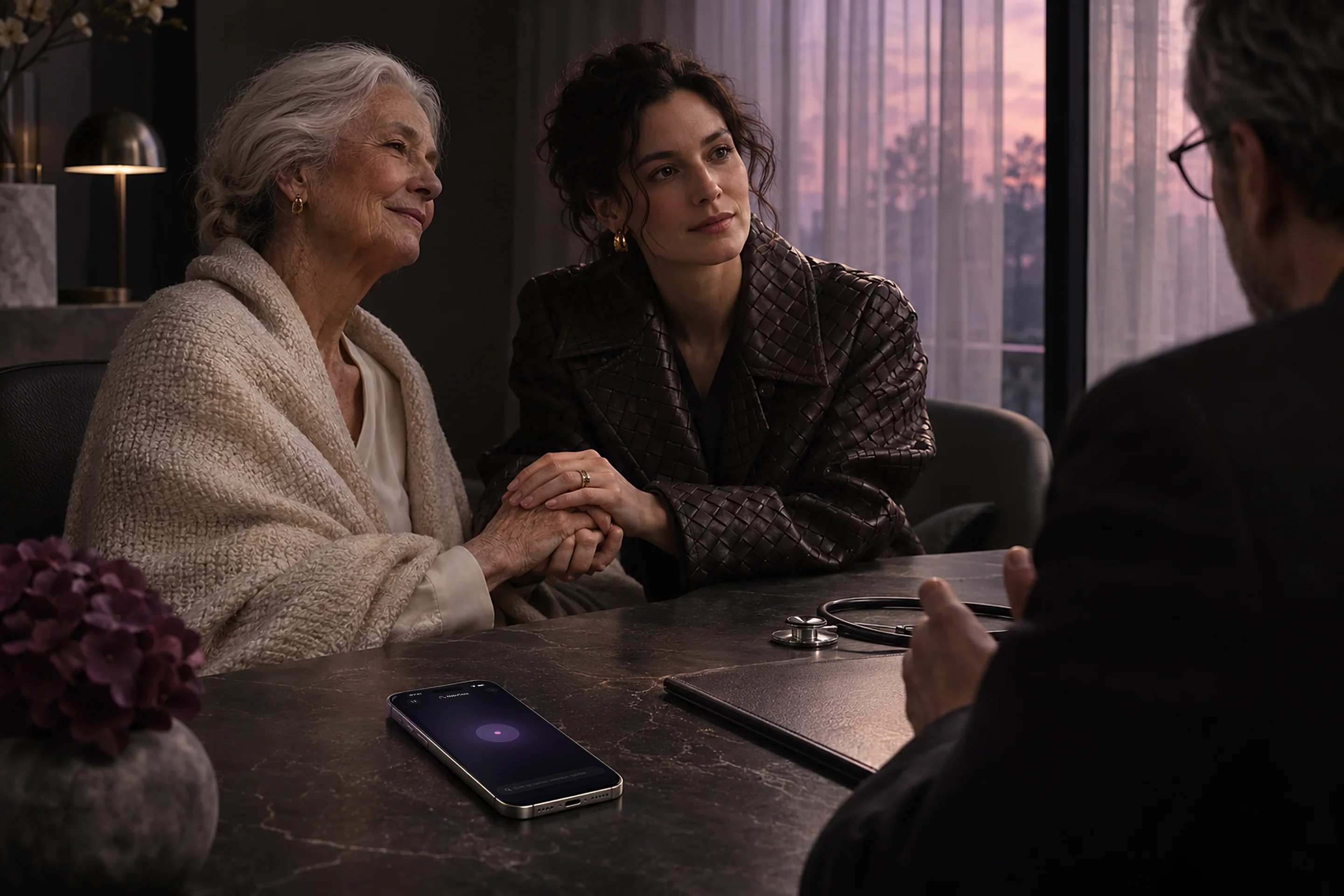
Your phone sits on the table with its screen dark. You look at the person speaking. Recording continues with the screen locked. You can see it in Dynamic Island and on the lock screen. Mark a moment from the lock screen.
What did we agree on?
Read back what you agreed: summaries with action points require Apple Intelligence. Search across all your conversations. Keep a folder for each client or project. Add a typed note to a moment. On iPad, tap your handwriting to hear what was said.
Questions people ask
- Does NoteCord upload my recordings to the cloud?
- No. NoteCord never sends your recordings to us. They only reach someone else if you share them. There is no NoteCord server.
- Does NoteCord collect my data?
- No. Apple’s App Store privacy label is “Data Not Collected”. We have no server of our own and can’t see your recordings or text.
- Do I need an account?
- No. You can use NoteCord without an account.
- Does my text go into iCloud?
- Yes, only through your iPhone’s standard iCloud backup, if enabled. Your text is then included in that backup in your own iCloud. Audio is never included in any backup.
- Does NoteCord transcribe on my iPhone or on a server?
- NoteCord transcribes on your iPhone. There is no NoteCord server.
- Can I record a lecture or meeting with my screen locked?
- Yes. Recording continues with the screen locked. You can see it in Dynamic Island and on the lock screen. You can also mark a moment from the lock screen.
Give the conversation your attention.
Try NoteCord to record, transcribe and summarise conversations on your iPhone or iPad.